Prioritize the conversations that matter
Use assigned and unassigned queues, priority and waiting time to see what still needs attention.
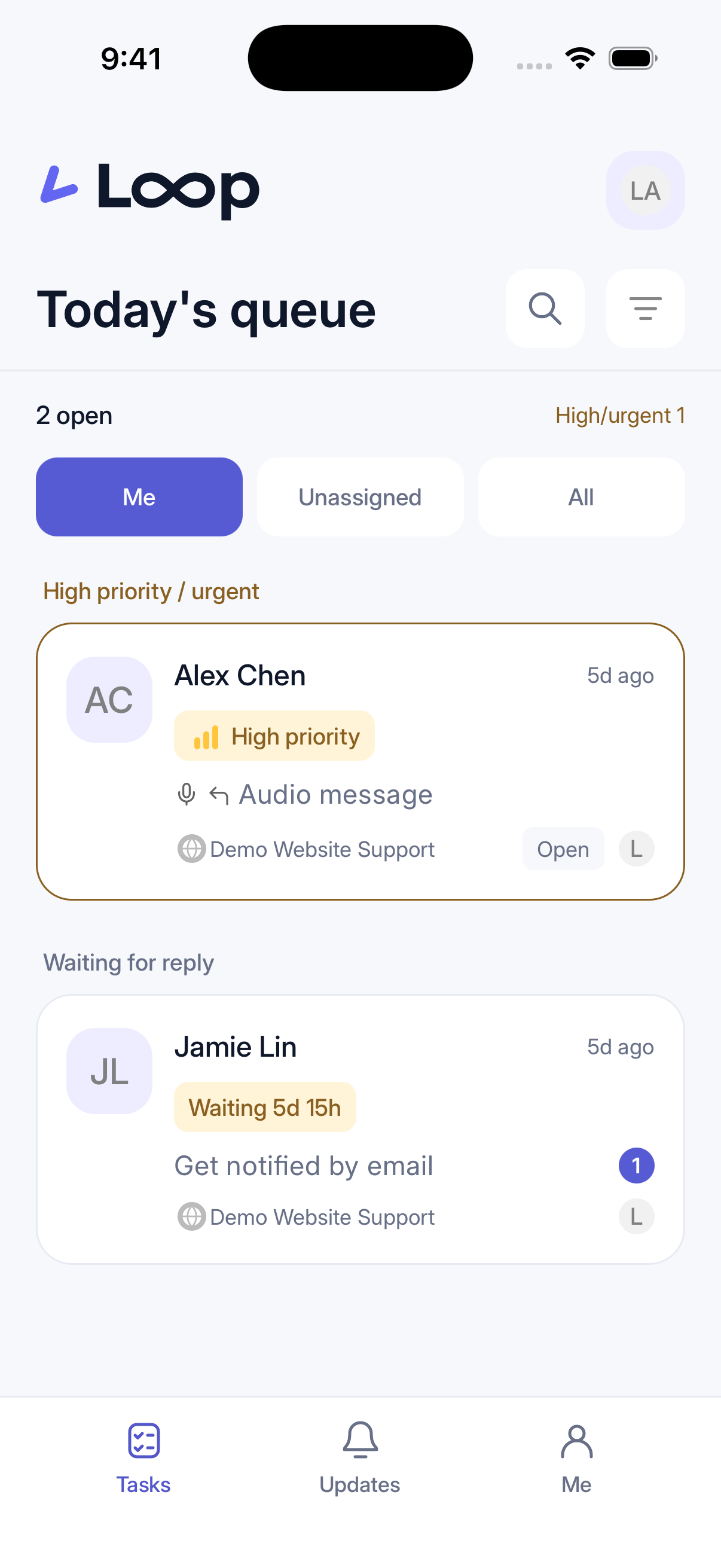 Open full screenshot ↗

Who is waiting? What comes first? Who owns the next step? Loop brings conversations, tasks and handoffs together so your team can spend less time catching up and more time helping.
Free signup is open · AI activation is provided separately
Team workspace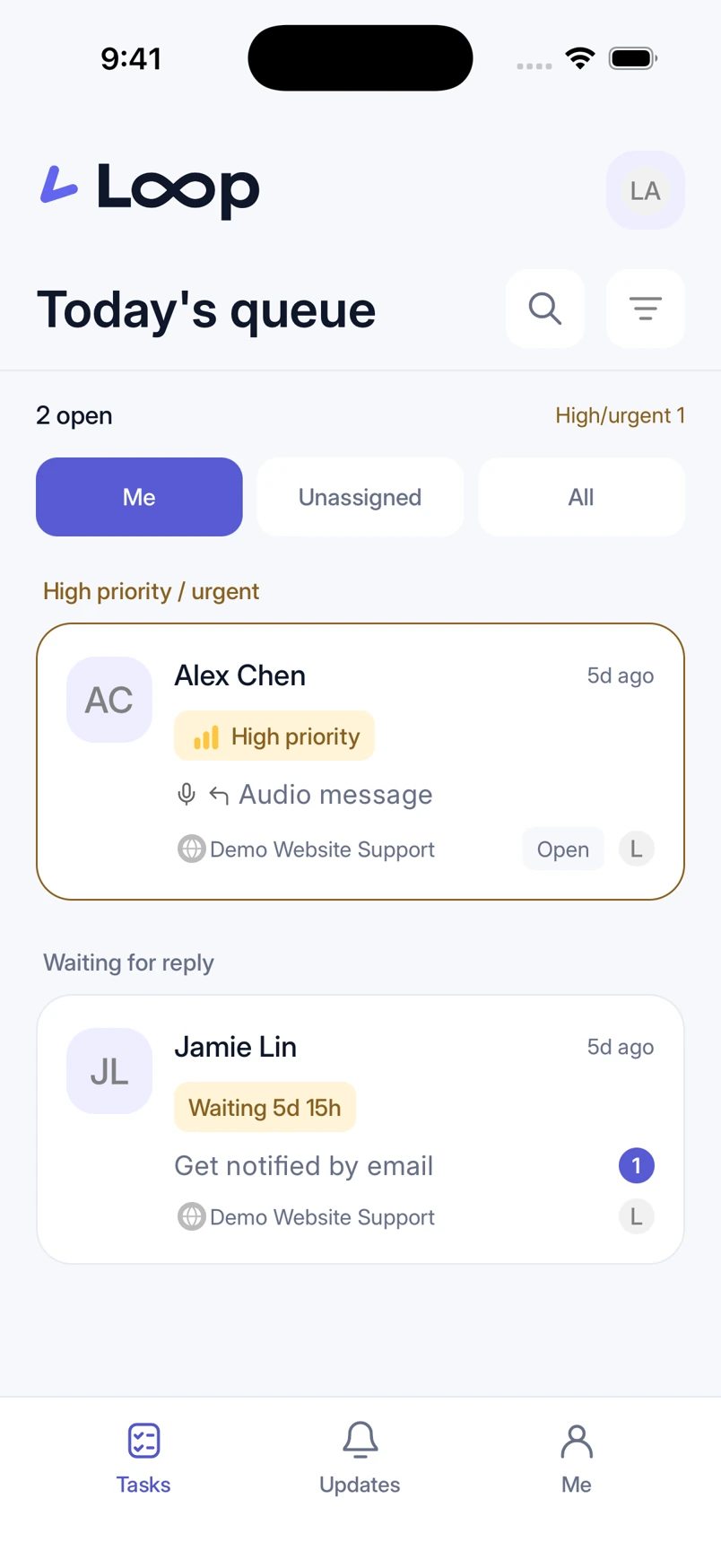
No need for customers to repeat themselves.
No need for your team to start from scratch.
Move from the queue to a reply and on to a handoff, with the context your team needs in one conversation.
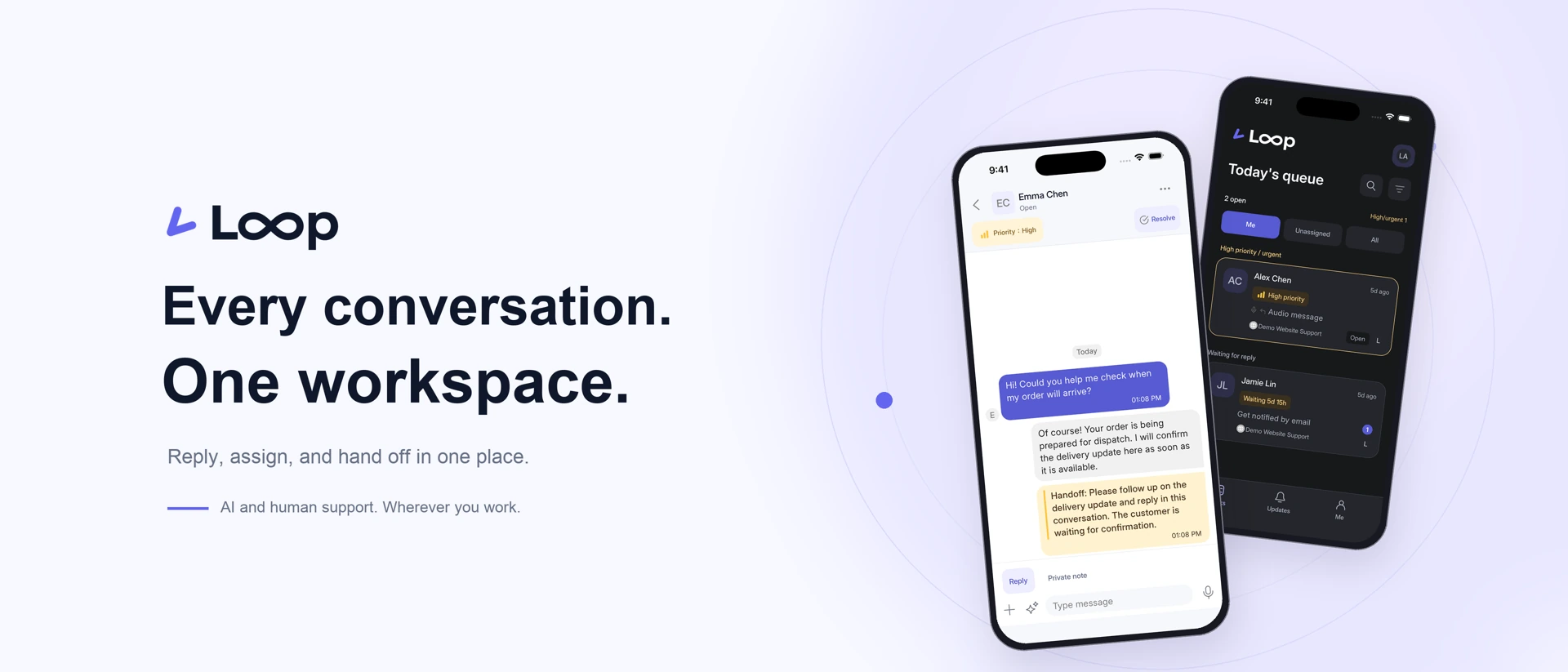
Use assigned and unassigned queues, priority and waiting time to see what still needs attention.
Open full screenshot ↗Keep customer replies separate from private notes. Leave confirmed details and next steps for your teammates.
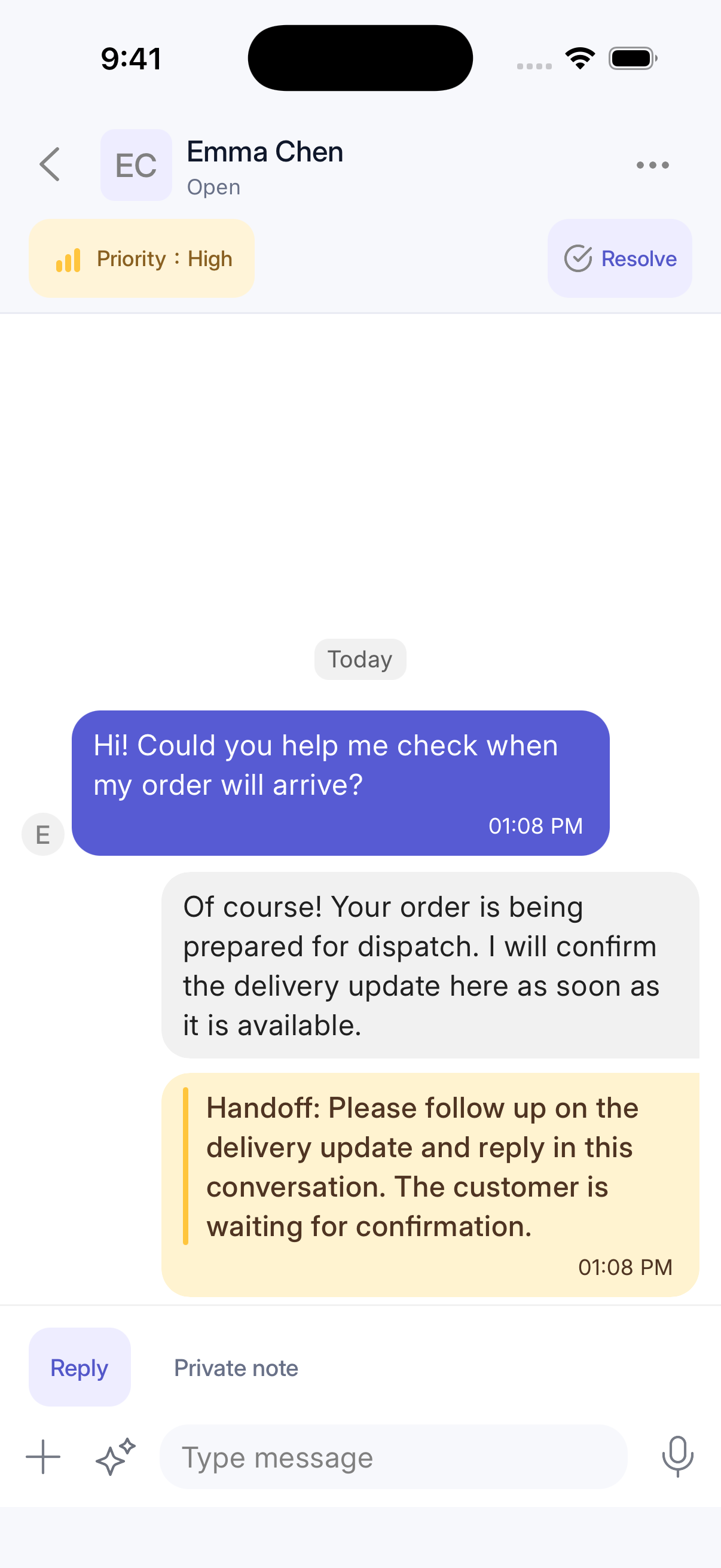 Open full screenshot ↗
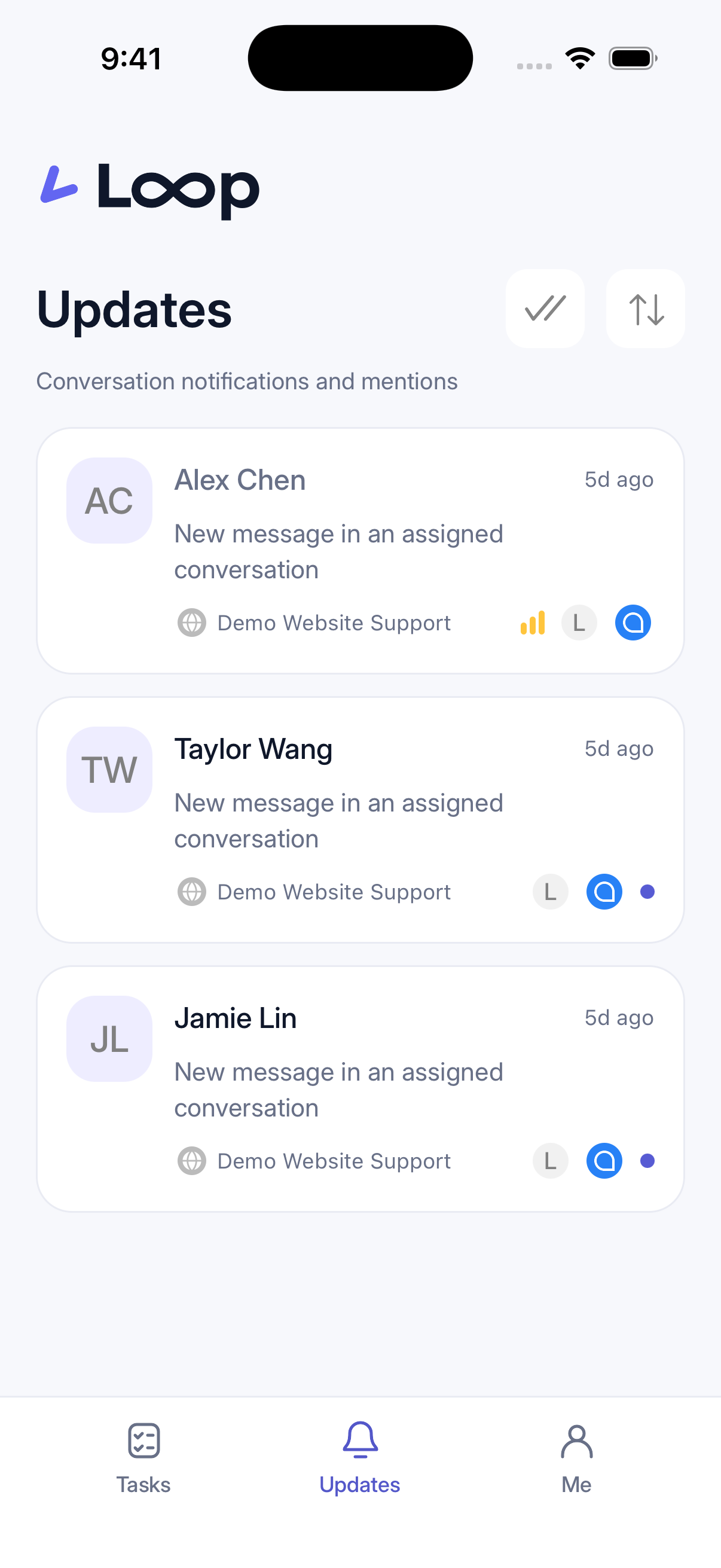
Find conversation updates and teammate mentions in one place, then return to the conversation to follow up.
 Open full screenshot ↗
Loop offers iOS and Android apps for conversations, customer replies and team updates on the go. Store download details will be announced separately; the screens shown are app demos.
Answer common questions using your FAQ. When a person is needed, your team continues in the same conversation.
AI and translation require activation and are subject to plan allowances. People remain responsible for case decisions and billing actions.
Translate incoming messages for your agents, then translate replies for the customer. Keep originals available for context and handoffs.
Activate translation and configure languages first. Monthly translation allowances apply. Review names, amounts and important commitments before sending.Customer: When will my order arrive?
Agent reads: 我的訂單什麼時候會送達?
Agent replies: 預計週五送達。
Translated reply: Your order is expected to arrive on Friday.
These 9 channel types are available for setup. Connect the required service account or credentials to create an inbox.

Embed chat so visitors can ask questions on your website.

Connect WhatsApp Business messaging.

Connect text messaging through Twilio or Bandwidth.

Handle messages from your support mailbox.

Connect your own system through the API.

Connect a Telegram bot using its Bot Token.

Connect a LINE Messaging API channel.

Connect Facebook Page messages and respond to customer inquiries.

Connect an Instagram professional account to manage customer messages.
Free, Team and Business can use these available channel types within their inbox limits. Third-party service fees or approval may apply.
Keep product questions, delivery follow-ups and after-sales conversations together.
Assign an owner and leave private notes so your next teammate knows what has already been done.
Start free with two agent seats and up to three inboxes. Compare and upgrade plans as your team grows.
Sign up and verify your email, set up a workspace and invite your teammates.
Add the chat widget to your website or configure a supported channel. Each channel requires its own authorization and setup.
Review conversations, assign an owner and add handoff notes. Set up your knowledge base and activate AI when needed.
Compare seats, inboxes and monthly allowances. All plans support available channels; each channel requires setup.
For small teams getting started
2 agent seats · 3 inboxes
Sign up free ↗For teams that share support work
5 agent seats · 5 inboxes
Log in to upgrade ↗For larger teams managing more inboxes
Unlimited agent seats · Up to 20 inboxes
Log in to upgrade ↗This changes the price preview only. Checkout currency and payment method follow your saved billing country: ECPay for Taiwan, PayPal elsewhere.
| Features & allowances | Free | Team | Business |
|---|---|---|---|
| Agent seats | 2 | 5 | Unlimited |
| Inboxes | 3 | 5 | 20 |
| Teams | — | 2 | Unlimited |
| Successful AI replies / month | 100 | 500 | 1,500 |
| Support translations / month | 50 | 300 | 1,000 |
| Channel types | All supported channels | All supported channels | All supported channels |
Free: up to 20,000 FAQ characters, 5 MB per attachment and 200 MB total storage. Automatic cleanup is not currently enabled. Once enabled, conversations will be cleaned up 90 days after resolution; open conversations will be retained. We will notify you before activation.
AI and translation require activation. Listed allowances are monthly; purchased credits are separate. Pending invitations also use agent seats.
Paid plans renew monthly; you can cancel renewal in billing. New users can create a free workspace first, then upgrade under Plans & Billing.
14-day money-back guarantee on your first subscription · Request a full refund to your original payment method within 14 days of your first successful subscription payment. Available once per workspace owner account across all workspaces; deleting or recreating a workspace does not reset eligibility. Renewals, upgrades and separately purchased credit packs are excluded. Refund terms · Request a refund
No. Add Loop using an embed snippet. Your team handles conversations in a separate support workspace.
Loop is designed for AI and people to work together. AI helps with common questions; individual cases, decisions, and account actions stay with people.
Yes. Request a verification email, then set up your workspace and password. Existing users use their current password. AI activation is provided separately.

The chat test environment is being prepared.
Product guides, practical examples and answers to common questions.